
Understanding Demo Accounts for Kenyan Traders
📊 Explore demo accounts in Kenya and learn how they help you practice trading risk-free, understand markets, and boost your investment confidence.
Edited By
Isabella Scott
MetaTrader is one of the most popular trading platforms used by Kenyan traders, especially those involved in forex and Contracts for Difference (CFD) markets. Its widespread use comes from offering user-friendly tools to analyse price movements, execute trades, and manage risks efficiently.
Designed for both beginner and experienced traders, MetaTrader supports multiple financial instruments including currency pairs, commodities, indices, and stocks. This versatility fits well with Kenya's growing community of active traders who seek direct exposure to global markets through reliable and affordable means.
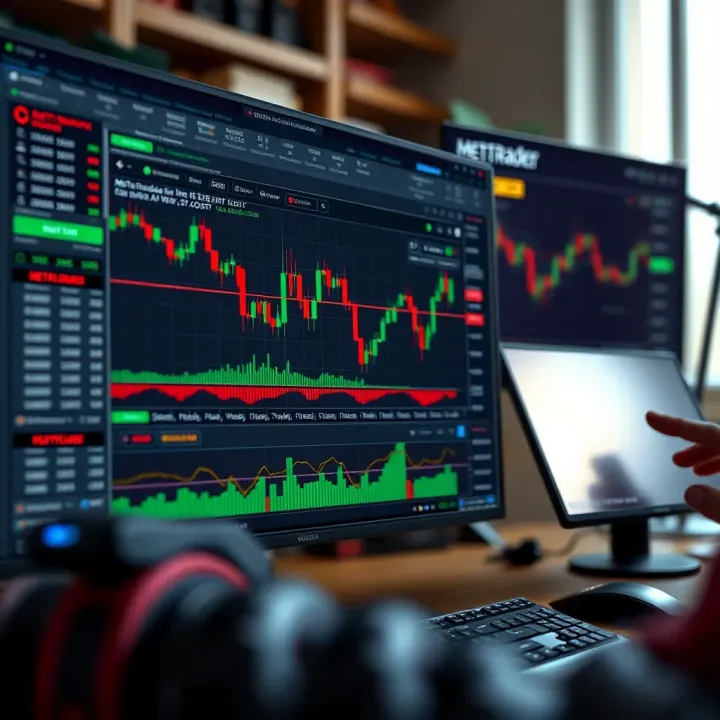
Two main versions are commonly available: MetaTrader 4 (MT4) and MetaTrader 5 (MT5). While MT4 remains a favourite for its simplicity and extensive expert advisor (EA) support, MT5 adds features like more timeframes, an economic calendar, and improved market depth tools. Kenyan traders often choose based on their trading style and broker compatibility.
Setting up MetaTrader is straightforward. You typically start by downloading the platform from your broker or the official MetaTrader website, then log in using credentials provided by your broker after opening an account. Once logged in, you gain access to live market data, charts, and trading tools right at your fingertips.
MetaTrader’s intuitive interface helps traders make quick decisions without getting lost in overly complex menus. Navigating through price charts, indicators, and trading history is as simple as a few clicks.
Key features include:
Real-time quotes and charting: Monitor market prices live to spot trends and reversals.
Technical indicators: Over 30 built-in tools such as Moving Averages, MACD, and RSI to analyse price action.
Automated trading: Use custom or off-the-shelf expert advisors (EAs) to trade based on preset strategies 24/7.
Order management: Place different types of orders easily — market, limit, stop-loss, and take profit.
For Kenyan traders, integrating MetaTrader with local payment methods like M-Pesa enables smooth account funding and withdrawals. This local adaptation simplifies participation in global markets without unnecessary friction.
In the following sections, we’ll explore how to navigate MetaTrader’s interface, set up your trading workspace, and leverage its features to make smarter trading decisions that match your investment goals.
MetaTrader is a popular trading platform widely used by traders in Kenya and around the world. It provides a user-friendly environment where you can access financial markets like forex, commodities, and indices. For Kenyan traders, MetaTrader offers practical tools that help analyse market trends, execute trades quickly, and monitor positions on both desktop and mobile devices.
MetaTrader serves as the central software that connects you to your broker’s services and the wider financial markets. It combines real-time data, charting tools, and order execution in one place. This platform supports both manual and automated trading, which means you can trade actively or set up Expert Advisors (trading robots) to operate for you. For example, a forex trader in Nairobi could monitor multiple currency pairs simultaneously, apply technical indicators like moving averages, and place an order without leaving the platform.
Besides its ease of use, MetaTrader is compatible with many brokers approved by the Capital Markets Authority (CMA) in Kenya, ensuring reliable trading conditions and integration with local payment options such as M-Pesa. This makes it well-suited for Kenyan traders looking for a smooth trading experience.
MetaTrader supports various markets beyond forex. You can trade CFDs (Contracts for Difference) on commodities like gold and oil, indices like the NSE 20, and even some cryptocurrency pairs where brokers allow. This variety offers Kenyan traders flexibility to diversify their investments with just one platform.
For instance, during times when the Kenyan shilling may be volatile, a trader might switch focus to CFDs on global indices or commodities to manage risk. Moreover, MetaTrader handles both spot trading and some brokers provide access to futures or options trading through the platform.
MetaTrader's versatility across different market types gives Kenyan traders multiple avenues to explore, all under a single easy-to-navigate interface.
In summary, MetaTrader acts as a powerful bridge between you and the financial markets, equipped with tools and features suited to both beginners and seasoned traders in Kenya. Understanding how it works helps you make more informed trading decisions and adapt strategies based on market movements.
Getting MetaTrader up and running correctly is a key step for Kenyan traders looking to enter forex or CFD markets. The platform supports multiple devices, so understanding how to install it on your computer or mobile phone helps you trade flexibly, whether you're at home or on the go. Additionally, setting up proper trading accounts, especially with local brokers, ensures smoother transactions and better access to market opportunities.
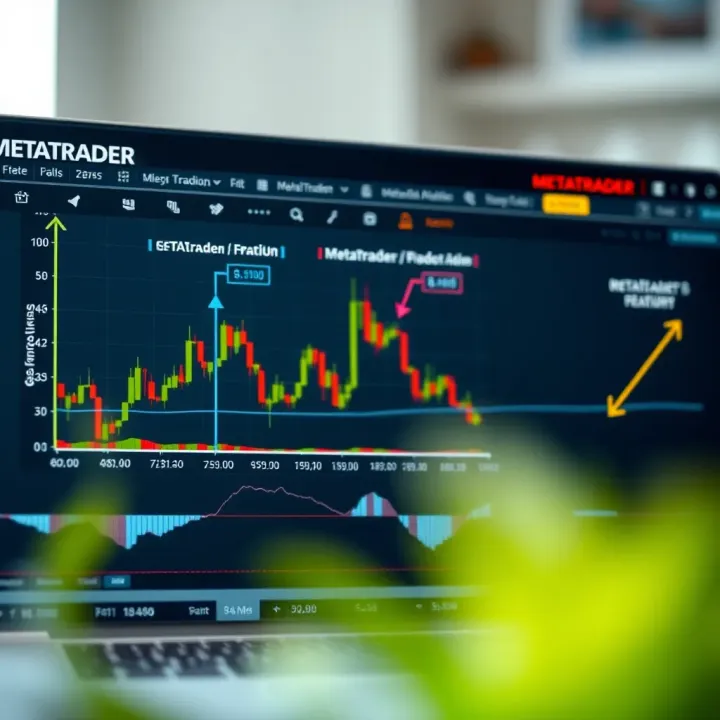
Many Kenyan traders prefer using MetaTrader on their desktop or laptop for better control over charts and analysis tools. Installing the desktop version is straightforward: download the installer from your broker’s website or MetaTrader’s official page, then follow the prompts. The desktop setup allows you to use keyboard shortcuts and multiple monitors – features that can sharpen your trading strategies. For instance, traders analysing currency pairs like USD/KES find the larger screen space a boon for detailed technical studies.
For those always on the move, MetaTrader’s mobile app is a practical choice. It’s available on Android and iOS, letting you check the market and place trades from matatus or even during a nyama choma outing. Setting up involves downloading the app through Google Play or the App Store and logging in with your trading credentials. The mobile version keeps all essential tools handy, such as price alerts, real-time charts, and order placements. This convenience helps busy Kenyan traders stay connected to market shifts without being tied to a desktop.
Starting with a demo account lets Kenyan traders practice risk-free. These accounts use virtual funds, so you won’t lose any real money while learning the ropes. For example, a new trader wanting to understand how forex order types work can open a demo account to place different buy or sell orders, test stop-loss levels, and observe how the platform executes trades. It’s an essential step for building confidence before risking your KSh.
When ready to trade with real money, opening a live account linked to a local broker becomes critical. Many Kenyan brokers offer seamless MetaTrader integration, allowing deposits through M-Pesa or bank transfers, which makes funding your account hassle-free. Choosing a local broker means faster support and adherence to Kenyan regulations, which boosts trust and security. Keep in mind to verify the broker’s licence and read reviews before starting. Managing your live account on MetaTrader is simple—it provides tools to monitor open positions, manage margins, and track your profit or losses in real time.
Setting up MetaTrader properly, and aligning it with Kenyan brokers and devices, sets the foundation for smooth, effective trading. Neglecting this can cause delays or losses simply from misconfigurations or unreliable connections.
By knowing which device suits your trading style and setting up the appropriate account type, you prepare yourself well for the real trading environment. This practical approach gives you an edge in Kenya’s growing trading community.
MetaTrader comes packed with features that make forex and CFD trading clearer and more manageable, especially for Kenyan traders tackling volatile markets. These tools help traders analyse price movements, make smarter decisions, and manage risks effectively. Understanding these features can genuinely lift your trading from guesswork to a more structured approach.
Indicators and Oscillators are core to technical analysis on MetaTrader. Indicators like Moving Averages or Bollinger Bands smooth out price data, showing trends over time. Oscillators, such as the Relative Strength Index (RSI) or Stochastic, give clues when an asset might be overbought or oversold. For a Kenyan trader, spotting these patterns means knowing when to buy or sell before others catch on. For example, an RSI reading above 70 could warn you that a currency pair like USD/KES might be due for a pullback, so you might hold off on buying at that moment.
Drawing Tools and Timeframes add more colour and depth to your charts. Drawing trendlines, support, and resistance levels lets you visually identify key price points. Choosing the right timeframe—minutes, hours, days—matches your trading style. Day traders may prefer 15-minute or hourly charts, while longer-term investors study daily or weekly views. Imagine you’re tracking the forex market during the long rains season when economic reports often affect prices sharply. Switching between timeframes helps you catch both quick swings and broader trends.
MetaTrader supports automated trading through Expert Advisors (EAs). These are scripts that execute trades based on preset rules without your constant input. For Kenyan traders who might juggle day jobs or businesses, EAs can keep you in the game outside trading hours. However, picking the right EA needs care; some perform well in calm markets but fail during volatility, such as during major economic announcements or political events in the region. Testing any EA on a demo account first is a wise step.
Market Orders execute trades immediately at the current price. This is straightforward when you want to enter or exit a position quickly. For example, if the Kenyan shilling suddenly weakens against the dollar after a CBK policy announcement, using a market order ensures you jump in or out without delay. But beware of slippage—if the market moves fast, your executed price may differ slightly from what you expected.
Pending Orders let you set trades for future prices, offering more control. You can place Buy Limit, Sell Limit, Buy Stop, or Sell Stop orders to enter the market when prices reach certain levels without babysitting the screen. Suppose you believe USD/KES will drop to 105.00 before rebounding; a Buy Limit at that price lets you grab the dip automatically.
Stop Loss and Take Profit orders are essential for risk management on MetaTrader. Stop Loss caps your loss by closing a trade if the price goes against you beyond a set point. Take Profit locks in gains by closing a trade once your desired price is hit. For instance, if you buy EUR/USD at 1.1000, setting a Stop Loss at 1.0950 limits your loss to 50 pips, while a Take Profit at 1.1100 secures a 100 pip profit. Using these orders protects your capital from sudden swings common in Kenyan markets during political uncertainty or global shocks.
Using these MetaTrader features wisely can level up your trading discipline, keep emotions in check, and guard your savings—critical steps for any trader aiming to thrive in Nairobi's bustling forex scene.
When choosing a trading platform, knowing the differences between MetaTrader 4 (MT4) and MetaTrader 5 (MT5) helps Kenyan traders pick the best tool for their needs. Despite similar names, MT4 and MT5 serve distinct purposes and offer different capabilities, affecting how you approach forex and CFD trading.
MetaTrader 4 is renowned for its simplicity and focus on forex trading. It supports major currency pairs and offers a straightforward interface that many traders find easy to navigate. MT4 also features a broad range of expert advisors (EAs) and custom indicators, making it suitable for automated trading strategies common among forex traders. In contrast, MetaTrader 5 extends beyond forex to cover stocks, commodities, futures, and indices. It provides additional timeframes and more technical indicators, as well as an economic calendar built into the platform.
MT5’s multicurrency and multi-asset support means it appeals more to those diversifying beyond forex. Plus, it offers an improved strategy tester that helps test automated trading bots more efficiently. However, MT5 requires some adjustment as it has a slightly more complex interface compared to MT4.
For example, a trader who merely focuses on forex pairs like USD/KES may find MT4 sufficient, while someone wanting to trade NSE 20 stocks alongside forex might benefit more from MT5’s expanded market options.
Considering Kenya’s trading environment, many local brokers still primarily support MetaTrader 4 due to its long-standing presence and lower system requirements. For traders using modest laptops or slower internet connections—common in many parts of Kenya—MT4 can be more reliable and easier on devices.
That said, MT5 is quickly gaining ground among Kenyan traders interested in advanced features and broader markets, especially those using brokers offering access to local stocks or international commodities. The integrated economic calendar also helps traders keep track of important financial news without switching apps.
Kenyan traders should weigh their trading style, assets of interest, and device capacity before choosing. For beginners focusing on forex, MT4 provides a user-friendly start. Practised traders aiming for multiple markets or sophisticated strategies may find MT5 worth the learning curve.
To sum up, while both MetaTrader versions offer solid platforms, the choice hinges on your specific trading goals and the market access your Kenyan broker provides. Starting with MT4 and gradually moving to MT5 as your portfolio expands and you demand more features is a practical approach.
MetaTrader offers powerful tools, but to get the most out of it, you need to tailor it to your specific trading needs. Kenyan traders can benefit significantly by customising the platform, setting effective alerts, and following good security practices. Taking these steps improves your trading speed, helps you respond to market movements, and protects your money and data.
MetaTrader's interface is flexible, allowing you to shape it around how you trade best. For example, if you focus mostly on forex pairs, you might prioritise currency charts and key indicators like the Relative Strength Index (RSI) or Moving Average Convergence Divergence (MACD). You can adjust chart colours, line thickness, and timeframes to your liking. Some traders prefer a clean layout with fewer indicators to avoid information overload, while others need several windows open showing charts, trades, and news.
You can create profiles for different strategies; say, one profile with technical indicators for day trading and another with fundamental news feeds for longer-term trades. Customising makes your decision-making faster and reduces mistakes caused by clutter or distractions. For instance, one Kenyan trader uses a blue colour scheme and prefers 15-minute charts during matatu commute hours for quick scalping when market volatility peaks.
Alerts can be the difference between catching an opportunity and missing out. MetaTrader allows you to set price alerts, indicator alerts, and even notifications via mobile or email. For Kenyan traders keeping an eye on forex pairs like USD/KES or commodities like coffee futures, timely alerts mean you don't have to watch the screen all day.
You can set alerts for breakouts, trend reversals, or when an indicator hits a certain level. This is especially handy if you have a daytime job or other commitments. Properly using alerts helps you stay connected to the market without being glued to the screen, so you can act fast when the conditions match your trade plan.
Keeping your MetaTrader account secure is non-negotiable. Use a strong, unique password that combines letters, numbers, and symbols. Avoid writing it down or sharing it with anyone. Enable two-factor authentication (2FA) if your broker offers it — this adds an extra layer of protection beyond just username and password. Kenyan traders should update their password regularly, especially if you use shared devices like public internet cafes or family computers.
Beware of phishing emails pretending to be from your broker or MetaTrader asking for your login details. Always access your account directly through official apps or websites. Losing control of your account credentials can lead to unauthorised trades, risking your hard-earned KSh.
Many traders like using Expert Advisors (EAs) or custom indicators to automate or improve their analysis. However, not all third-party tools are safe or reliable. Before installing any EA or plugin, verify its source — avoid downloading from forums or untrusted sites. Test new tools on demo accounts first to check their behaviour.
Malicious software can steal your data or cause erratic trading. Stick to tools recommended by your broker or well-known Kenyan trading communities. Always keep your MetaTrader and antivirus software up to date to protect against vulnerabilities. Being cautious here saves you time, money, and stress.
Good trading starts not only with skill but also with preparation. Tailoring MetaTrader, using alerts smartly, and securing your account build a solid foundation for success in Kenya's dynamic trading scene.
With these tips, you can navigate MetaTrader more confidently while reducing risks that come with online trading. Remember, success is about consistent, informed decisions backed by reliable tools and strong safeguards.
📊 Explore demo accounts in Kenya and learn how they help you practice trading risk-free, understand markets, and boost your investment confidence.
Learn how forex accounts work and pick the right one for you in Kenya 🇰🇪. Get tips on opening accounts, risks involved, and trading smart with KSh in mind 📈💼.
Explore D Trader in Kenya 🇰🇪: Learn step-by-step account setup, smart risk management, key trading tools, and strategies to boost your trading skills 📈💡
📊 Learn how margin works in forex trading, manage risks, and use leverage smartly. A practical guide tailored for Kenyan traders seeking steady growth in forex markets.
Based on 10 reviews